

You’ve heard about OKRs but don’t really know how to implement them? Or maybe you’re already using this method but looking for a tool to better track them? Notion can become your best ally for managing your OKRs (Objectives and Key Results) in a simple and visual way.
What are OKRs?
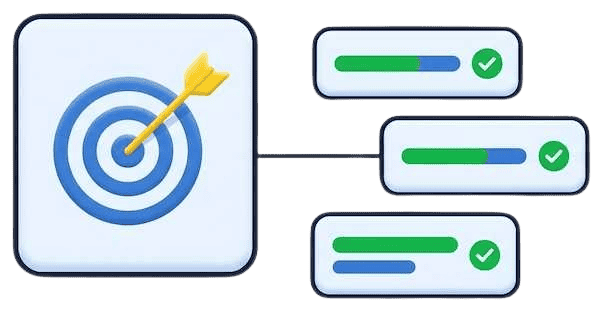
OKRs (Objectives and Key Results) are a goal management method invented by one of Intel’s founders and later popularized by Google. The principle is simple: a clear objective and measurable results to know if you’ve achieved it.
For example:
- Objective: Develop my online visibility
- Key Result 1: Reach 5000 LinkedIn followers
- Key Result 2: Publish 2 blog posts per month
Why use Notion for your OKRs?
Notion offers several advantages for managing your OKRs:
Flexibility: you can customize your structure to match exactly how you think and work.
Visualization: thanks to different views (table, kanban, calendar, timeline, gallery, list, map, form, chart), you can display your OKRs in the way that makes the most sense to you.
Real-time tracking: your progress is updated live as you work.
Centralization: all your objectives are in the same place. No more juggling between multiple tools.
How to structure your OKRs in Notion
Create a database for your Objectives
Start by creating a database with these essential properties:
- Objective name (title)
- Period: quarter, year
- Status: In Progress, Achieved, Abandoned
- Owner: person responsible
- Theme: Business, Marketing, Product
- Progress: from 0 to 100%
Create a database for your Key Results
Then create a second database with:
- Key Result name (title)
- Linked objective: relation to Objectives database
- Target value: the number to reach
- Current value: where you are now
- Progress: formula automatically calculating the percentage
- Status: To Do, In Progress, Done
- Deadline: target date
Create relations between databases
Connect your two databases with a bidirectional relation: each Key Result is linked to an Objective, and each Objective automatically displays its Key Results.
You can also add a rollup to automatically calculate average progress.

Essential views to track your OKRs
Table view: for an overview of all your objectives with their main properties.
Kanban view: organize your objectives by status to see at a glance what’s in progress, achieved, or on hold.
Timeline view: visualize your objectives on a timeline to better plan and anticipate.
Chart view: create charts to visually track your overall progress, number of objectives by theme or by status.
Tips to optimize your OKR management
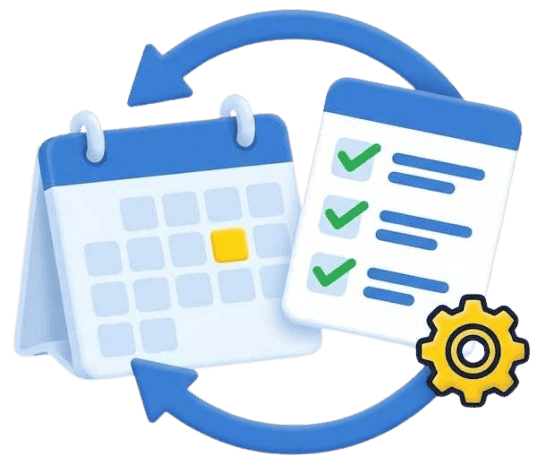
Regular review: schedule a time each week or month to update your progress. You can create a review page template that automatically displays your current OKRs.
Less is better: don’t set 20 objectives at once. Generally, 3 to 5 objectives per quarter are enough to stay focused.
Make your Key Results measurable: avoid vague formulations like “improve my communication.” Prefer “publish 12 LinkedIn posts per month” or “respond to emails within 24 hours.”
Use sub-tasks: for each Key Result, you can create a page with concrete actions to take. This bridges your strategy (OKR) and operations (to-do).
Document your learnings: in each objective page, note what worked or didn’t. These insights will help you define your next OKRs.
Personal vs professional OKRs
You can use the same structure for your personal and professional objectives, simply by adding a “Type” property or creating two separate databases. OKRs aren’t reserved for large companies: as a freelancer, entrepreneur, or even for your personal life, this method helps clarify your priorities and concretely measure your progress.
Going further with Notion
Once your OKR database is set up, you can:
Automate certain updates with Notion buttons: “Mark as achieved” button, “Update progress” button, etc.
Create dashboards that bring together your OKRs and projects: have a global view of your strategy and operations.
Share your OKRs with your team to align everyone: transparency creates engagement.
Integrate your OKRs into your review rituals: monthly or quarterly, take stock of your objectives.
If you want to save time, you can also use my Notion template for goal management (only in French for now) already configured with all necessary databases, views, and formulas.
Need help implementing your OKRs?
Setting up an OKR system in Notion requires some thought about your structure and needs. If you want support creating a personalized space, I offer Notion coaching sessions where we configure your organization system together from A to Z.
You can also discover my free Notion resources for inspiration.
OKRs in Notion are the perfect combination between a proven method and a flexible tool. Your turn!

0 Comments